A black background on a PDF is almost always a rendering issue rather than something wrong with the file itself. The most common trigger is a viewer setting — specifically Dark Mode or night mode — inverting the document colors. Checking this first saves a lot of unnecessary troubleshooting.
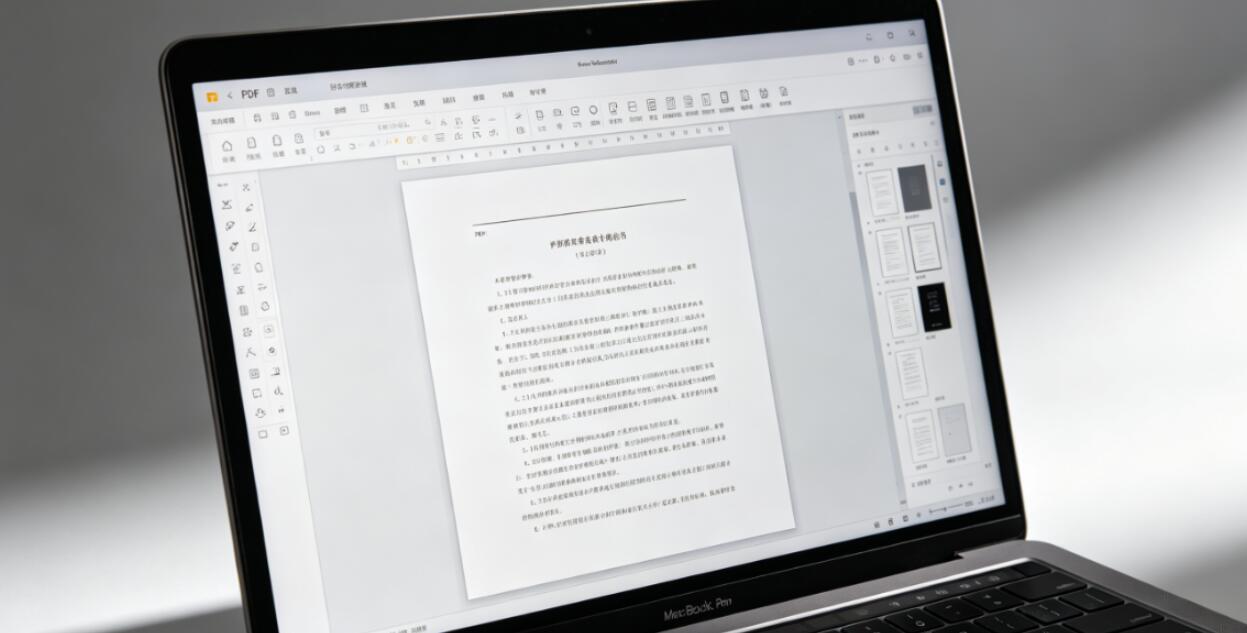
Dark Mode and Color Inversion
Many PDF viewers have a Dark Mode or Night Mode setting that inverts document colors — turning white pages black and dark text white. This is designed to reduce eye strain in low-light environments, but it can be startling if it was switched on accidentally or if the setting is inherited from a system-wide Dark Mode preference.
In Adobe Reader: Edit → Preferences → Accessibility → uncheck any color replacement options. In Chrome: check whether your system is in Dark Mode and whether Chrome's PDF viewer is following it. Some versions of Chrome apply Dark Mode to PDF pages; disabling Dark Mode system-wide or using Chrome flags to prevent it from affecting PDFs resolves this. On iPhone and iPad, Dark Mode in iOS can cause Safari's PDF viewer to invert colors — switching the system back to Light Mode fixes it.

Black Background in the Document Itself
If the black background appears in every viewer regardless of Dark Mode settings, it's part of the document. Some PDFs are intentionally designed with dark backgrounds — presentations, marketing materials, product catalogs, and branded documents often use dark page colors deliberately. If the content looks correct and readable, this is working as intended.
If the black background is unexpected — a document that should have white pages — it may have been created with a page background color set in the source application. In Word, this happens when Design → Page Color was set to black before PDF export. In design software, a black background rectangle covering the full page is sometimes left in by accident. If you have access to the source file, removing the page color and re-exporting is the clean fix.
Transparency Rendering Producing a Black Fill
Some PDF viewers, particularly older ones or those with limited transparency support, render transparent areas as black rather than showing the expected white or light background. This is a transparency rendering failure. The content is correct in the file, but the viewer is filling transparent regions with black instead of the default white background.
Opening the same PDF in Adobe Reader usually fixes this, as Reader has more complete transparency support than most alternative viewers. If the black regions are concentrated around specific design elements — logos, graphics, overlapping shapes — transparency rendering is almost certainly the cause.
Removing a Black Background From a PDF You've Received
If the black background is in the document itself and you want to remove it, the approach depends on how it was created. If it's a separate background rectangle, a PDF Editor that supports object-level editing can select and delete it. If the background is a page-level color setting embedded in the PDF structure, it's harder to remove without specialized tools and may require re-exporting from the source at document creation level.