Annotation and editing are the two main ways to modify a PDF, and they work completely differently. Understanding the distinction helps you choose the right tool for what you're trying to do — and explains why you can highlight text in any free viewer but can't change the body text without specialized software.
What Annotation Does
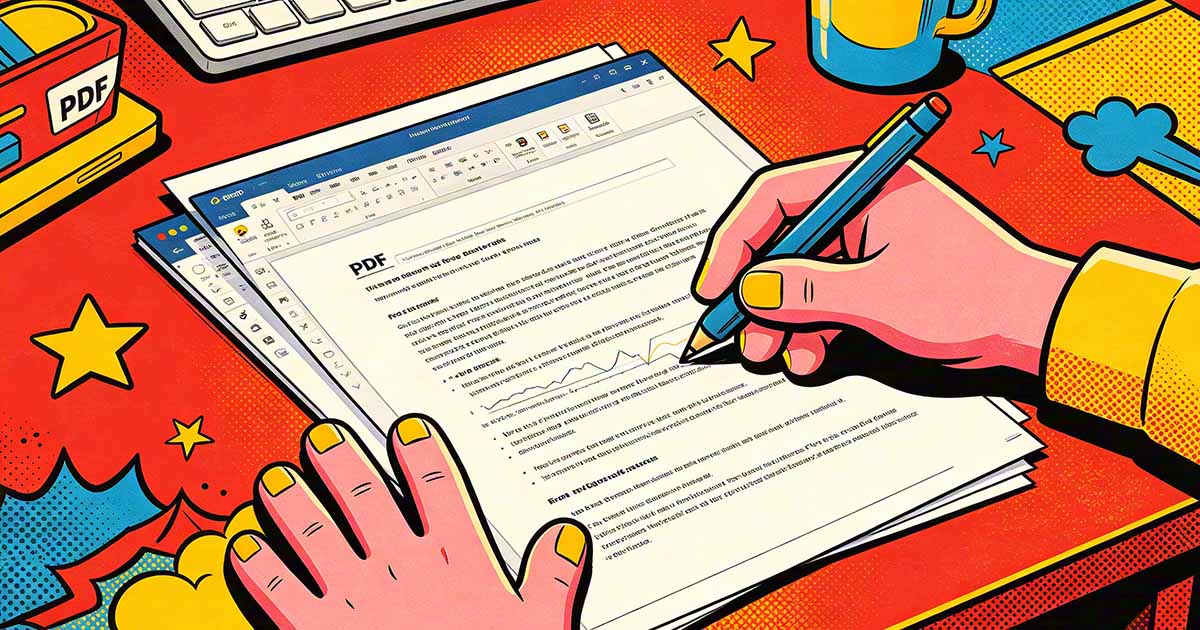
Annotations add a layer on top of the existing PDF content without changing anything underneath. A highlight annotation marks text with color but doesn't alter the text itself. A sticky note comment appears as a floating note but the underlying content is untouched. A freehand drawing overlay sits on top of the page. Strikethrough and underline annotations are visual markers layered over the text.
Annotations are stored separately from the page content in the PDF's data structure. They can be shown or hidden, filtered by type, exported to a summary list, replied to in threaded comments, and removed individually without affecting the underlying document. The page content below the annotations is preserved exactly as it was.

What Editing Does
Editing changes the underlying page content itself — the text, images, and graphic elements that make up the document. Editing replaces a word in the body text, resizes an image, changes a color, moves an element to a different position, or deletes content. The result is a modified version of the original page content, not an overlay.
PDF editing is more complex than editing a Word document because PDFs store content as positioned elements rather than as reflowing paragraphs. Changing a word in body text may shift surrounding text if the new word is a different length, but only within the same line or text block — the rest of the document doesn't reflow the way it would in Word. This can create spacing inconsistencies that require additional adjustment.
Why Annotation Tools Are More Widely Available
Annotation is technically simpler than editing — it only requires adding new data to the PDF without touching the existing content structure. The PDF specification has a well-defined annotation model that any viewer can implement. This is why annotation tools appear in free viewers like Adobe Reader, Preview, Edge, and browser-based PDF Editor tools: they don't need to parse and modify the underlying content, just add overlay data.
True content editing requires understanding and modifying the PDF's internal content streams — the code that describes how text and graphics are positioned and styled. This is significantly more complex and is why capable PDF editors command higher prices and require more capable software.
When to Annotate vs When to Edit
Annotate when: you're reviewing a document and providing feedback, marking content for attention without changing it, filling in a form, signing, or adding notes to a document that will be returned to the author. The annotation workflow is the right one for document review, approval, and feedback cycles.
Edit when: you need to change the actual content of the document — fix an error, update a price, change a name, modify the text of a clause. Editing is appropriate when the document itself needs to change, not just when you want to mark it up.
Flattening: Making Annotations Permanent
Flattening merges annotation layers into the base page content, making them permanent and non-removable. After flattening, what was an annotation becomes part of the page itself — indistinguishable from the original content. This is useful when you want to share a marked-up document where the annotations should be visible to everyone and not removable, or when finalizing a document that shows incorporated revisions.
Flattening is a one-way operation — once done, the original document content and the annotation layer can no longer be separated. Always keep an unflatted copy if you might need to access the original content or modify the annotations later.