The term "eBook" is used loosely to mean any digital book, which leads to confusion — because a PDF can be an eBook, and many are. The more precise distinction is between PDF as a fixed-layout format and EPUB as the dominant reflowable eBook format. Each has different strengths and is suited to different types of content and reading contexts.
What Makes PDF Different
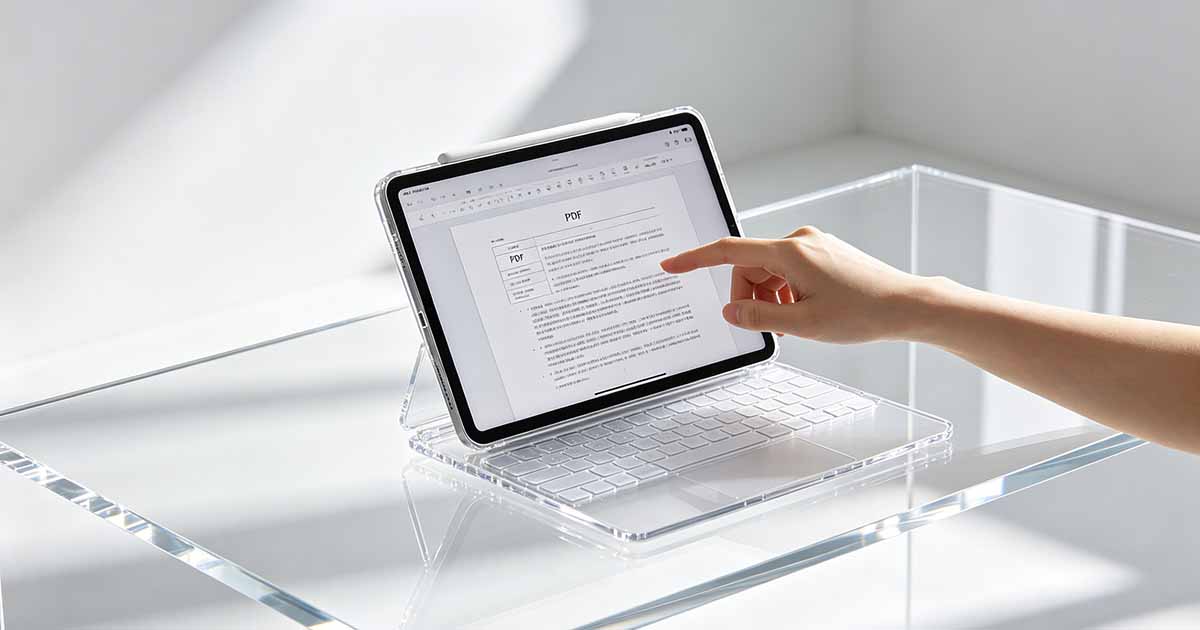
PDF is a fixed-layout format. Every page has a defined size, and every element on the page has a fixed position. What the author designed is what the reader sees — same fonts, same layout, same page breaks, regardless of the screen or device. This is powerful for documents where layout matters: textbooks with diagrams, illustrated books, technical manuals with tables and figures, academic papers with specific formatting requirements.
The tradeoff is that fixed layout doesn't adapt to the reader's screen. A PDF designed for A4 pages viewed on a 6-inch e-reader requires zooming and scrolling to read. On a phone, the text is too small to read comfortably at full page view. PDF works best on screens that are roughly the same size as the intended page — a laptop, a tablet, or a desktop monitor.

What EPUB Does Differently
EPUB (Electronic Publication) is the standard format for most commercial eBooks — what Kindle, Apple Books, Kobo, and Google Play Books distribute. EPUB stores content as flowing HTML with CSS styling, similar to a web page. The text reflows to fit any screen size. The reader can change the font size, choose a different typeface, adjust line spacing, switch to night mode — the reading experience adapts to the reader's preferences rather than the author's fixed design.
This adaptability is why EPUB works well for novels and text-heavy non-fiction: the content is linear, layout doesn't matter much, and being able to change the font size makes reading comfortable on any device. It's why most commercial fiction is distributed as EPUB (or its Kindle variant, MOBI/AZW3) rather than PDF.
When PDF Is the Right Format for an eBook
PDF works well for eBooks where the visual layout is part of the content. A cookbook with recipe layouts, a photography book, a graphic novel, a textbook with diagrams and sidebars, a workbook with fill-in exercises — these depend on spatial relationships that reflowing text would destroy. For content like this, PDF is the appropriate choice even for digital distribution.
PDFs are also common for lead magnets, guides, and informational products distributed directly by their creators — templates, how-to guides, reports. These don't go through e-reader apps and are typically viewed on computers or tablets where the fixed layout works fine.
Selling and Distributing PDF eBooks
PDF eBooks can be sold directly through a creator's website, via Gumroad, Payhip, or similar platforms, or distributed as email attachments. They don't require distribution through Amazon or Apple Books. This makes PDF the path of least resistance for self-published guides and educational content — no platform approval process, no format conversion, no revenue share.
The limitation for commercial fiction and books intended for wide distribution is that PDF isn't supported by the major e-reader devices and apps in the same way EPUB is. Kindle can open PDFs but treats them as fixed-layout documents without any of its reflow or font-sizing features. Most readers of fiction on dedicated e-readers prefer EPUB format.
Protecting a PDF eBook From Copying
PDF PDF Security permissions can restrict printing and copying, which adds a basic layer of protection against casual redistribution. Password protection prevents the file from being opened without the password. These measures don't prevent screenshots or screen recording, and determined individuals can work around them — but they stop the easiest forms of unauthorized sharing.
Watermarking — embedding the buyer's name or email visibly or invisibly in the PDF — is another approach that discourages sharing without preventing it: people are less likely to distribute a file that identifies them as the source. Some PDF sales platforms offer automated watermarking at purchase time.