Yes — though the tools that do it well for free are more limited than their paid counterparts, and the quality of the result depends on how complex your form is. For simple forms with clear text fields, free options work fine. For forms with conditional logic, calculations, or complex layouts, you may hit limits.
What 'Fillable Form' Actually Means
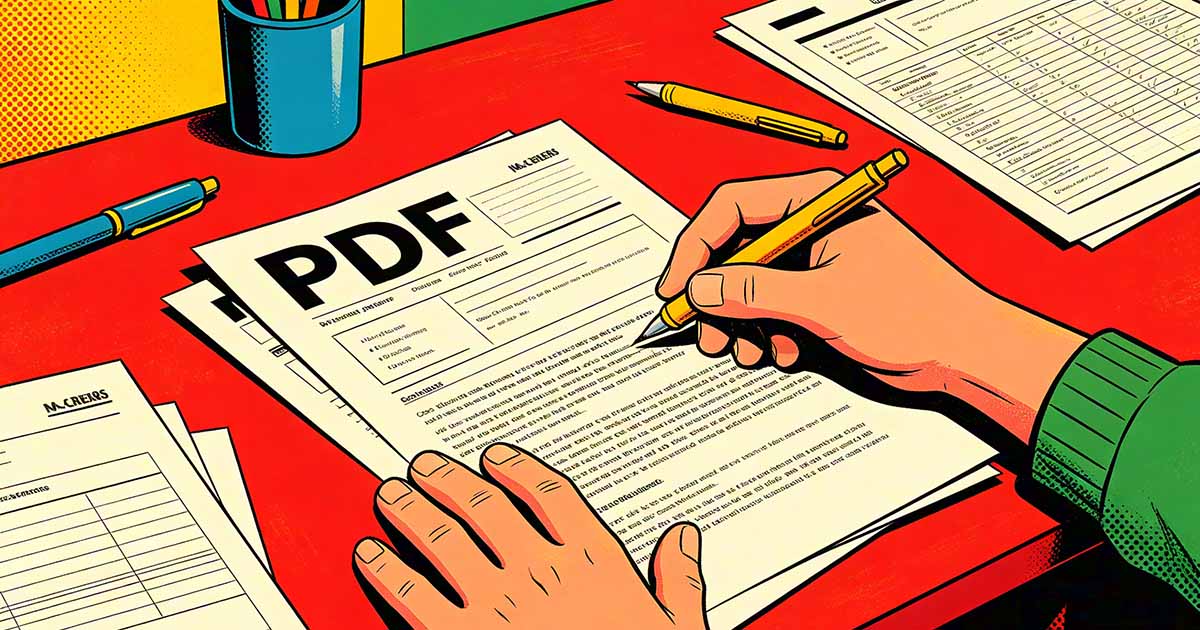
A fillable PDF has interactive form fields embedded in it — text boxes you can click into and type, checkboxes you can toggle, radio buttons you can select, and dropdown menus you can choose from. When someone opens the PDF, they fill it out directly without printing. When they're done, they save or submit the filled version.
This is different from a PDF where you can add text annotations on top. A properly fillable form has fields that tab correctly, can be submitted electronically, and work predictably across different PDF viewers. Getting from a flat PDF to a properly interactive form requires adding those field elements to the document.

Free Options That Work
LibreOffice Draw is the most capable free desktop option. Open the PDF in LibreOffice Draw, use the form controls toolbar to add text fields, checkboxes, and other interactive elements, then export back to PDF with form fields included. The interface isn't the most intuitive, but it works and produces proper AcroForm fields that open correctly in Adobe Reader and other viewers.
PDF-XChange Editor has a free tier that includes basic form field creation. It's a Windows-only desktop application but has a more polished interface than LibreOffice for form work. You can place text fields, checkboxes, radio buttons, and dropdowns, and export a fillable PDF without paying.
Browser-based PDF Editor tools vary in what they offer for free. Some allow adding basic text fields; others restrict form creation to paid tiers. It's worth checking what the free plan includes before investing time setting up a form.
Automatic Field Detection: How Well Does It Work?
Some tools offer automatic form field detection — they analyze the PDF, identify areas that look like form fields (blank lines, boxes, underlines), and convert them into interactive fields automatically. Adobe Acrobat's automatic detection is the most accurate; free tools vary widely.
The results depend heavily on how the original PDF was created. A form designed with clear boxes and labels converts well. A scanned paper form with hand-drawn lines converts poorly — the detection sees an image rather than form structure, and automatic field placement goes wrong more often than not. Scanned forms almost always require manual field placement.
When to Start From the Source Document Instead
If you have access to the original Word or Google Docs file the PDF was created from, rebuilding the form there is often faster than converting the PDF. Word has basic form field controls (Developer tab → Controls) that export to fillable PDF fields. Google Forms, while not PDF-based, produces a form experience that many people find easier to fill than a PDF.
For internal forms where recipients don't specifically need a PDF file, Google Forms is often the more practical choice — no software needed to fill it out, responses collected automatically in a spreadsheet, and no file management required. The PDF fillable form workflow makes most sense when the form needs to be a document (for legal reasons, signature requirements, or because the recipient expects a file rather than a link).
What Free Tools Usually Don't Do
Free form creation tools generally don't support calculated fields (where one field automatically totals values from others), conditional logic (showing or hiding fields based on other answers), or electronic submission to a server endpoint. These are features that matter for complex forms — expense reports, applications with branching paths, order forms with totals.
For simple forms where someone fills in text, checks some boxes, and signs at the bottom, free tools handle the job completely. For anything more complex, the time saved by a capable paid tool usually justifies the cost — rebuilding calculated fields manually or working around missing features takes longer than the subscription.