Using an online tool to compress, convert, or edit a PDF means uploading your file to someone else's server. That's a reasonable thing to be cautious about — especially when the document contains sensitive information. The question isn't whether online PDF tools carry any risk (they do), but whether the risk is meaningful for your specific situation, and what to look for in a tool you can trust.
What Actually Happens When You Upload a PDF Online
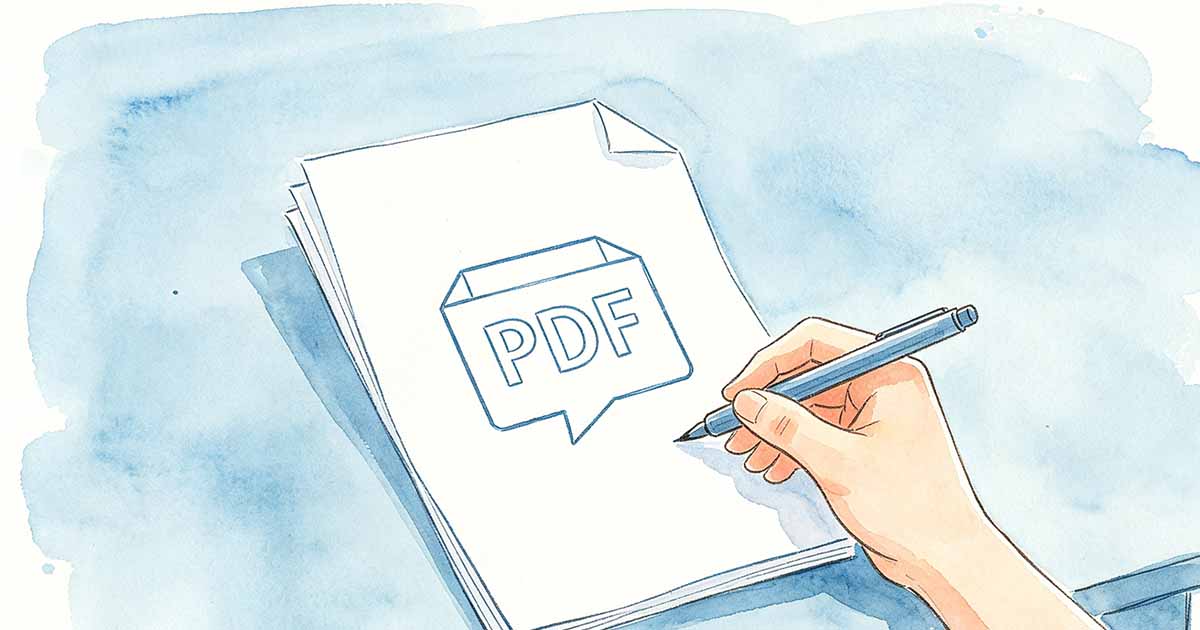
When you use an online PDF tool, your file travels from your device to the service's servers over an encrypted connection (HTTPS), gets processed — compressed, converted, merged, whatever the operation is — and then gets returned to you as a download. At some point after that, the service deletes the file from its servers.
The key variables are: how long the file is stored before deletion, whether it's stored in a way that staff can access it, whether it's used for any purpose beyond processing your request, and how securely it's held during that window. Reputable services answer these questions clearly in their privacy policy. Services that don't are worth avoiding.

What to Check Before Using an Online PDF Tool
- HTTPS connection: the padlock icon in your browser's address bar confirms the upload is encrypted in transit. Any reputable service uses HTTPS. If a site doesn't, don't upload anything to it.
- File deletion policy: look for a stated deletion timeline — "files deleted after 1 hour" or "files deleted immediately after processing" is what you want to see. WukongPDF at www.wukongpdf.com deletes uploaded files automatically after processing, so nothing persists on the server beyond the processing window.
- Privacy policy: a readable privacy policy that explains data handling is a good sign. A missing or vague policy is a red flag.
- Established reputation: tools that have been around for years and have visible user reviews are lower risk than unknown services that appeared recently.
When You Shouldn't Use Online PDF Tools
Some documents shouldn't go to external servers regardless of the tool's reputation. The question to ask is: what would happen if someone at that company could read this file?
- Legal documents under attorney-client privilege
- Medical records or documents containing personal health information
- Financial documents with account numbers, social security numbers, or tax information
- Unreleased product information, M&A documents, or anything under NDA
- Any document your employer's security policy explicitly requires to stay on internal systems
For these cases, use desktop software — Adobe Acrobat, or open-source tools like LibreOffice and Ghostscript that process files locally without any server upload. If you regularly handle sensitive documents that need PDF processing, investing in a local tool is worth it.
When Online Tools Are Perfectly Fine
For the majority of everyday PDF tasks, the risk is minimal:
- Compressing a presentation, report, or brochure to email it
- Converting a non-sensitive Word document to PDF
- Merging publicly available documents or internal documents with no sensitive content
- Converting images to PDF for a portfolio or product catalog
The risk calculus is simple: if the file's contents becoming known to a third party would have no meaningful consequences, an online tool from a reputable service is fine. PDF Security concerns apply to sensitive content — not to every file you process.
The Practical Answer
Reputable online PDF Tools with clear privacy policies and automatic file deletion are safe for non-sensitive documents. They're not appropriate for documents with legal, medical, financial, or confidential business content — those should be processed locally. Match the tool to the sensitivity of the document, and the risk is manageable.